Remote Shutters and Wireless Connections: Capture Sharper, More Stable Photos from a Distance

Discover how remote shutters and wireless connections can transform your photography
Units
Units
7 min
Learn how to capture sharper, more stable photos without touching your camera. This guide explores the benefits of remote shutters and wireless connections, helping you choose the right setup for landscapes, portraits, and more.
Serenity Diaz
Serenity
Diaz

Remote Shutters and Wireless Connections: Capture Sharper, More Stable Photos from a Distance

Discover how remote shutters and wireless connections can transform your photography
Units
Units
7 min
Learn how to capture sharper, more stable photos without touching your camera. This guide explores the benefits of remote shutters and wireless connections, helping you choose the right setup for landscapes, portraits, and more.
Serenity Diaz
Serenity
Diaz

Taking photos from a distance has never been easier. With modern remote shutters and wireless connections, you can capture sharp, stable, and well-composed images—without ever touching your camera. Whether you’re shooting landscapes, portraits, wildlife, or self-portraits, a remote shutter can be one of the most underrated tools in your camera bag. Here’s a guide to how this technology can help you take better photos—and which solutions might fit your needs best.

Why Use a Remote Shutter?

Even the slightest movement when pressing the shutter button can cause camera shake, leading to blurry images—especially during long exposures or macro photography. A remote shutter eliminates this problem by allowing you to trigger the camera without physical contact.

It also gives you the freedom to step away from your camera. That’s ideal for group photos, self-portraits, or wildlife photography, where getting too close might scare off your subject.

Types of Remote Shutters

There are several types of remote shutters, and the right choice depends on how and where you shoot.

  • Wired remotes – The classic option, connected to the camera with a cable. They’re reliable, don’t require batteries, and work in all weather conditions. The downside is that your range is limited by the cable length.
  • Infrared remotes – These send a signal via infrared light. They’re wireless but require a clear line of sight to the camera’s sensor and typically work within 15–30 feet.
  • Radio remotes – These use radio waves instead of light, so they can work through obstacles and at much greater distances—often up to 300 feet. They’re popular among nature and sports photographers.
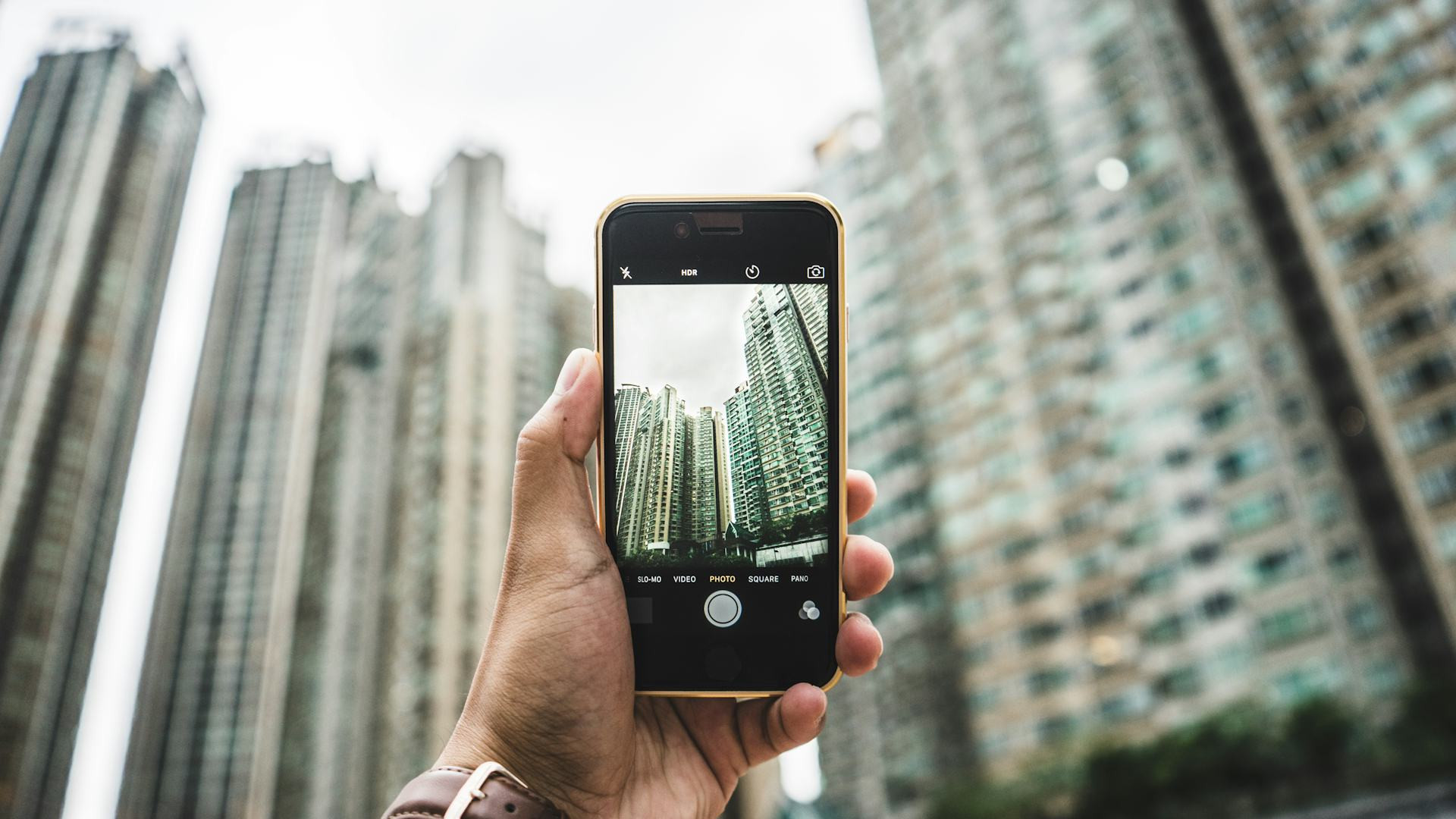
  • App-based solutions – Many modern cameras come with built-in Wi-Fi or Bluetooth, allowing you to control them directly from your smartphone. You can view live images, adjust settings, and take photos with a tap on your screen.

Wireless Connections – More Than Just a Shutter

Today’s cameras and companion apps let you control nearly every aspect of your camera wirelessly. You can adjust aperture, shutter speed, ISO, and focus—all from your phone or tablet. This is especially useful for:

  • Long exposures, where even a small vibration can ruin the shot.
  • Astrophotography, when you want to stay warm while your camera works outside.
  • Self-portraits and videos, where you can preview the frame before taking the shot.

Some apps even allow you to transfer photos directly to your device, so you can edit and share them instantly on social media or cloud storage.

How to Get the Most Out of Your Remote Shutter

To achieve the best results, keep these tips in mind:

  1. Use a tripod – A remote shutter makes the biggest difference when your camera is stable. A sturdy tripod is essential.
  2. Turn off image stabilization – When your camera is on a tripod, stabilization can actually introduce small movements. Disable it for maximum sharpness.
  3. Plan your composition – Take time to frame your shot before stepping away. If your camera supports live view through an app, use it to fine-tune your composition remotely.
  4. Check your batteries – Make sure your camera, remote, and any transmitters are fully charged. Bring spares for longer sessions or cold-weather shoots.

When Is It Worth the Investment?

If you often shoot in situations where stability and precision matter—such as landscapes, macro photography, night skies, or self-portraits—a remote shutter is a small investment that pays off quickly. Even a basic model can make a noticeable difference in image quality.

For more advanced photographers, a wireless solution with app control opens up new creative possibilities and greater flexibility in the field.

A Small Tool with a Big Impact

A remote shutter takes up almost no space in your bag but can make a huge difference in your photography. It gives you calm, control, and freedom—three things that often separate a good photo from a great one. Whether you choose a simple wired model or a sophisticated wireless setup, you’ll find your images becoming sharper, steadier, and more thoughtfully composed.

6 mistakes to avoid in your IT career: advice for success
Gain insight into which traps many IT professionals fall into and how you can avoid them. This e-book offers tips for career development, networking and skill building so you can advance your career in the IT industry.
Download e-book
Remote Shutters and Wireless Connections: Capture Sharper, More Stable Photos from a Distance
Discover how remote shutters and wireless connections can transform your photography
Units
Units
Photography
Camera Gear
Remote Shutter
Wireless Technology
Photo Tips
7 min
Learn how to capture sharper, more stable photos without touching your camera. This guide explores the benefits of remote shutters and wireless connections, helping you choose the right setup for landscapes, portraits, and more.
Serenity Diaz
Serenity
Diaz
Organize Your Apps Smartly – So You Can Find Them Faster
Simplify your phone and make every app just a tap away
Units
Units
App Organization
Smartphone Tips
Digital Decluttering
Productivity
Mobile Management
3 min
Tired of scrolling endlessly to find the right app? Learn how to declutter, group, and arrange your apps in a way that saves time and keeps your phone organized. A few smart tweaks can make your digital life smoother and more efficient.
Sophia Moore
Sophia
Moore
Declutter Your Desktop: How to Get Your Operating System Under Control
Take charge of your digital workspace and boost your productivity
Units
Units
Productivity
Digital Organization
Computer Tips
Operating Systems
Time Management
3 min
A messy desktop can slow you down and add unnecessary stress. Learn how to clean up, organize, and optimize your computer—no matter which operating system you use—and enjoy a smoother, more focused workflow.
Ryan Phillips
Ryan
Phillips
Professional Sound from Home: Microphones and Accessories for Sharper Online Meetings
Upgrade your online presence with crisp, professional audio from the comfort of your home
Units
Units
Audio
Microphones
Online Meetings
Home Office
Communication
7 min
Discover how the right microphone, accessories, and simple setup tweaks can transform your online meetings. Learn to sound clear, confident, and professional—whether you’re presenting, teaching, or collaborating remotely.
Ember Taylor
Ember
Taylor
Healthy Systems, Healthy Routines: How to Plan Your Monthly Software Review
Keep your digital life running smoothly with a simple monthly checkup
Units
Units
Digital Wellness
Software Maintenance
Productivity
Cybersecurity
Tech Tips
6 min
Just like regular health checkups keep you in shape, a monthly software review keeps your devices efficient, secure, and clutter-free. Learn how to plan and carry out a quick, effective routine that helps your technology stay healthy and stress-free.
Camila Hall
Camila
Hall
Segmentation Made Simple: Discover Differences and Patterns in Your Data
Turn complex data into clear insights with simple segmentation techniques
Tech
Tech
Data Analysis
Segmentation
Business Insights
Data Visualization
Marketing Analytics
3 min
Learn how to divide your data into meaningful groups to uncover patterns, differences, and trends. This guide shows you how to get started with segmentation using practical steps and accessible tools—no advanced technical skills required.
Serenity Diaz
Serenity
Diaz
Relax in VR: Virtual Reality as Mental Unwinding
Discover how virtual reality is transforming relaxation and mental wellness
Tech
Tech
Virtual Reality
Mental Health
Mindfulness
Technology
Wellness
5 min
Step into a new dimension of calm. Explore how virtual reality is being used beyond gaming to promote mindfulness, reduce stress, and support emotional balance. Learn how VR experiences can help you unwind and recharge in a digital world.
Sophia Moore
Sophia
Moore
Future technology should feel natural – here’s how to make it happen in practice
How human-centered design can make advanced technology feel effortless and intuitive
Tech
Tech
Future Technology
Human-Centered Design
Artificial Intelligence
Digital Well-Being
Innovation
6 min
As technology becomes more integrated into our lives, the challenge is to make it feel natural rather than overwhelming. This article explores how designers, developers, and innovators can create future technologies that adapt to people—blending seamlessly into daily routines while supporting well-being and ethical use.
Ryan Phillips
Ryan
Phillips
Health Data in Your Hands: How IoT Gives You Insight into Your Body
Discover how connected devices turn everyday data into powerful insights about your health
Tech
Tech
Internet of Things
Health Technology
Wearables
Data Privacy
Personal Health
3 min
From fitness trackers to smart scales, the Internet of Things is transforming how we understand our bodies. Learn how these technologies collect, analyze, and share health data—helping you make informed choices, stay motivated, and take control of your well-being.
Ember Taylor
Ember
Taylor