User Interfaces in Games: When Good Design Makes Playing Easy

User Interfaces in Games: When Good Design Makes Playing Easy
When you start a new video game, it’s rarely the graphics or story that decide whether you’ll stick with it—it’s how easy it is to find your way around. A well-designed user interface (UI) can make the difference between an engaging experience and pure frustration. It guides the player, communicates information, and keeps everything organized—without stealing attention from the game itself. But what exactly makes a good UI design in games, and why is it so crucial to the experience?
When Design Becomes Invisible
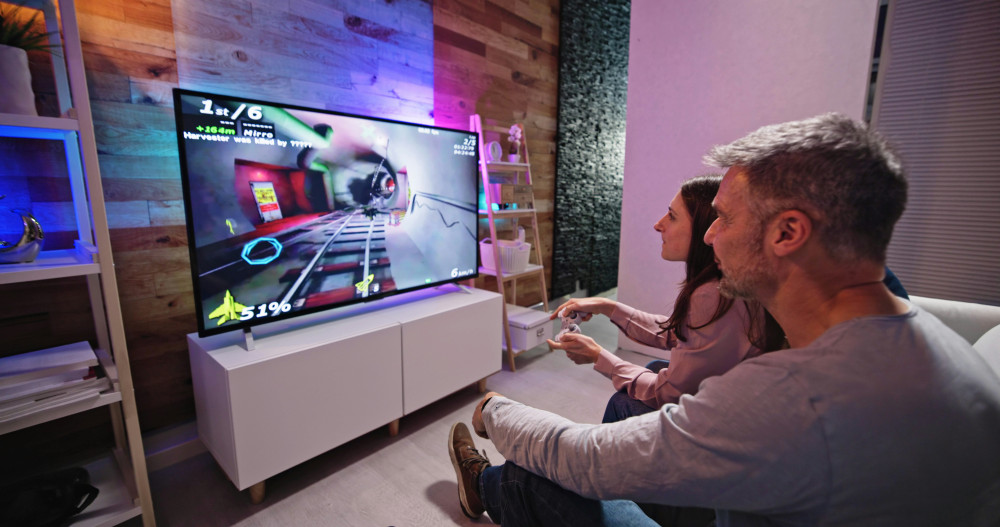
The best UI is often the one you don’t notice. It works intuitively, allowing players to focus on the action instead of fighting with menus and icons. Think of how health bars, ammo counts, or mini-maps are placed so you can read them instantly without losing track of what’s happening on screen.
Designers often talk about “invisible design”—a principle where the interface supports the game without dominating it. The goal is to create a natural connection between the game world and the information the player needs. In a fantasy adventure, the map might appear as a magical scroll, while in a sci-fi shooter, menus could take the form of holograms. When the UI feels like part of the world, the experience becomes more believable and immersive.
Balancing Information and Clarity
One of the biggest challenges for game developers is finding the right balance between giving players enough information—but not too much. Too many icons, numbers, and messages can feel overwhelming, while too few can leave players confused about what to do next.
That’s why UI designers often work with layers of information. The essentials—like health, objectives, and direction—are always visible, while more detailed data appears only when needed. This approach keeps the screen clean without sacrificing depth.
Role-playing games are a great example. They often involve complex inventories, abilities, and stats. Here, logical menu structures and intuitive navigation are key. One extra click can be enough to break the flow of the game.
Læs også:



From Mouse and Keyboard to Controller and Touch
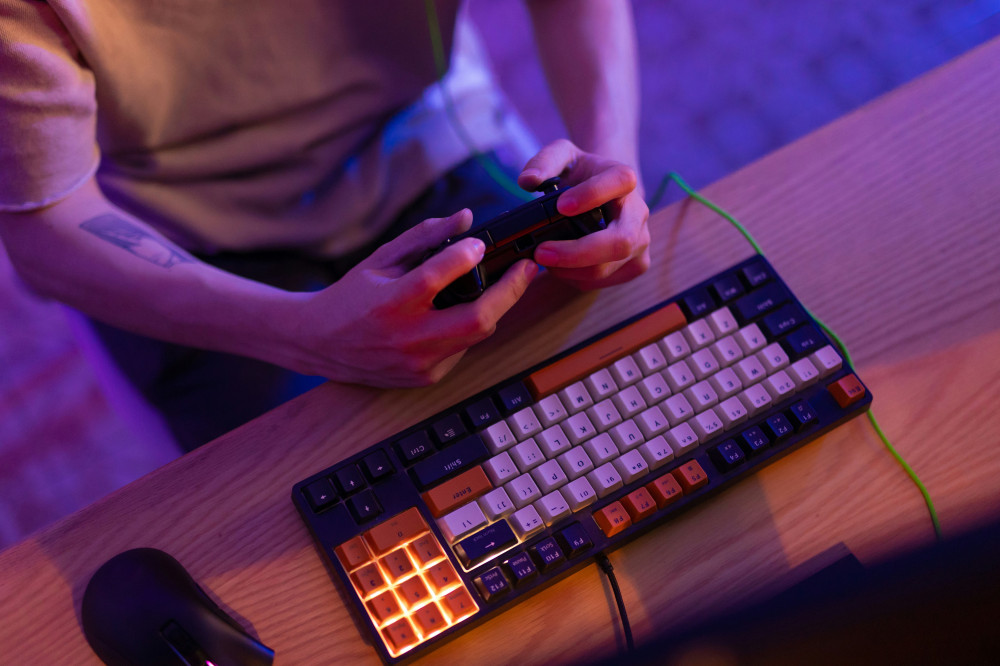
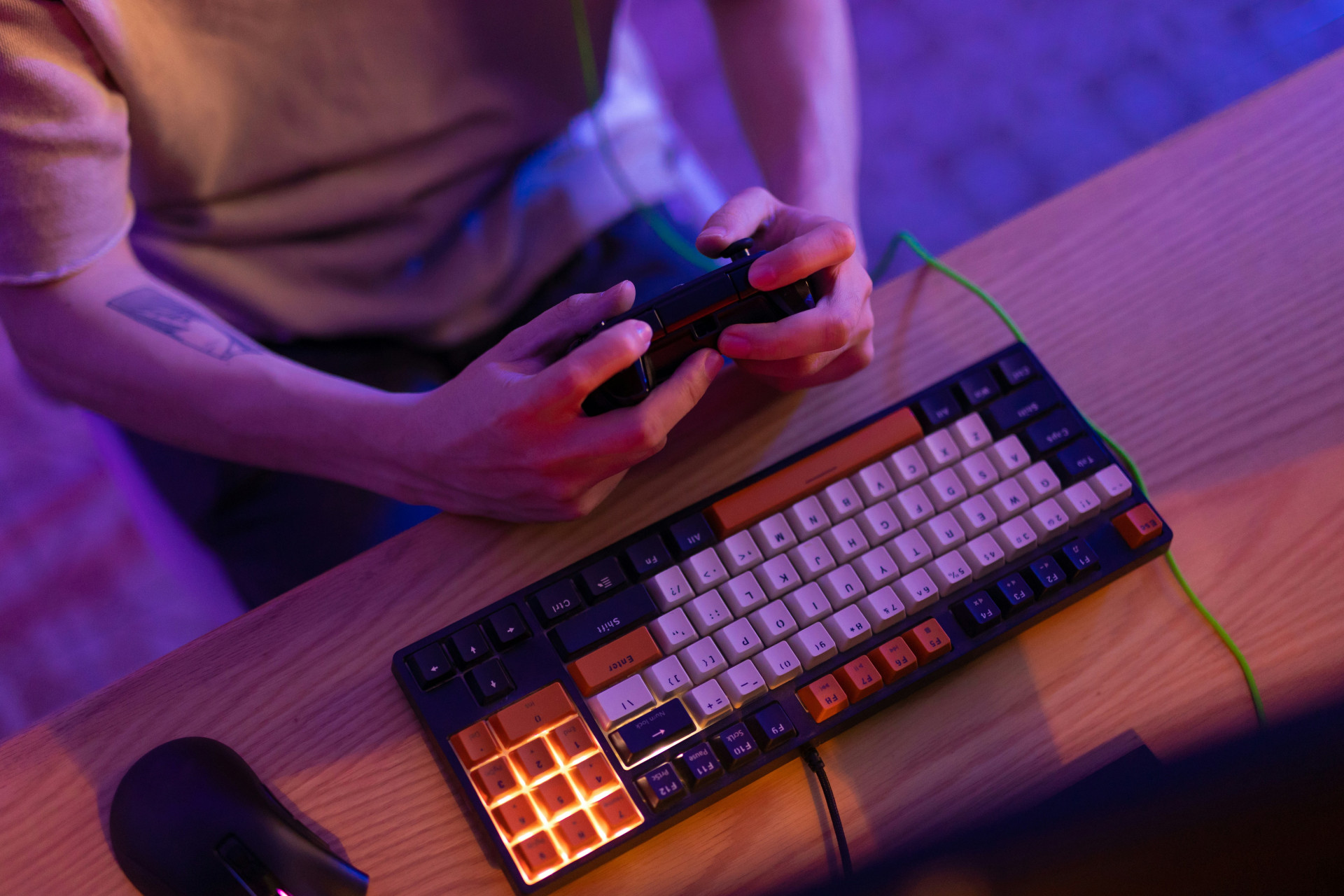
A good UI isn’t just about looks—it has to work across different platforms. A design that feels perfect with a mouse and keyboard might be clumsy on a console controller or confusing on a mobile screen.
That’s why many developers adapt their interfaces to each platform. On consoles, large icons and quick shortcuts are prioritized, while mobile games rely on gestures and touch zones that take advantage of the touchscreen. The key is understanding how players interact with the game—and designing accordingly.
Accessibility as Part of Good Design
Modern games should be playable by as many people as possible. Accessibility has become a central part of UI design, covering features like colorblind modes, adjustable text sizes, contrast settings, and visual indicators for important sounds.
When developers think about accessibility from the start, the result isn’t just more inclusive—it’s better for everyone. A clear, flexible interface makes the experience smoother and more enjoyable, no matter who’s playing.
When the UI Becomes Part of the Story
In some games, the interface itself becomes part of the storytelling. In survival games, a cracked screen or flickering display might reflect the player’s condition. In science fiction titles, the UI might exist inside the character’s helmet or cybernetic implant. In these cases, the interface isn’t just a tool—it’s a narrative element that deepens immersion.
This kind of “diegetic UI”—where the interface exists within the game world—is a powerful example of how design and storytelling can merge. It takes creativity, but when done right, it makes the connection between player and game feel stronger than ever.
Good UI Makes Games Better—Not Just Prettier
Ultimately, user interfaces in games are about creating flow. When you forget you’re using an interface and simply act on instinct, the designers have succeeded. A good UI isn’t just beautiful—it’s functional, intuitive, and in tune with the rhythm of the game.
Whether you’re playing a strategy game full of complex menus or a fast-paced action title with minimal on-screen elements, the interface ties the experience together. It’s the quiet partner that makes playing easy—and hard to put down.
Læs også: