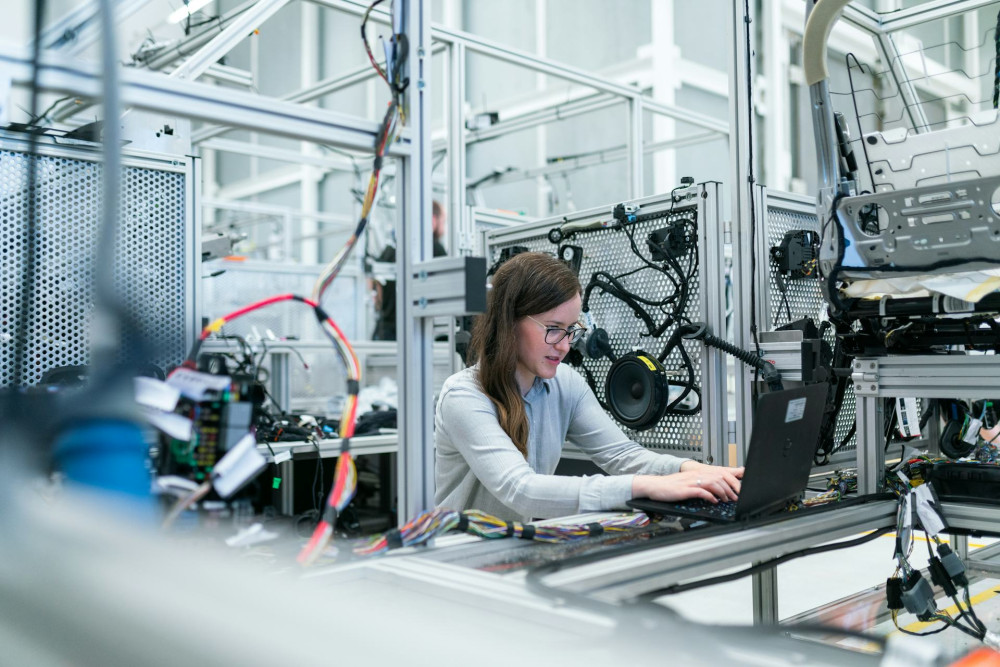
Inside the Engine Room: How a Computer Is Built


Inside the Engine Room: How a Computer Is Built
Most of us use a computer every day—whether for work, entertainment, or staying connected—but few stop to think about what’s actually happening inside the machine. Behind the screen lies a complex network of components working together to make it possible to type, stream, play, and create. In this article, we’ll take a look inside the engine room and explore how a computer is built and how its parts work in harmony.
The Brain: The Processor (CPU)
The CPU (Central Processing Unit) is the brain of the computer. It’s where calculations happen and where instructions from software are executed. The faster and more efficient the CPU, the better your computer can handle demanding tasks like video editing, gaming, or data analysis.
Modern CPUs contain multiple cores, each capable of processing tasks simultaneously. This allows your computer to multitask—streaming music while you browse the web, edit a document, and keep several apps open at once.
Memory: RAM and Storage
When the CPU is working, it needs a place to store data temporarily. That’s the job of RAM (Random Access Memory). RAM acts as the computer’s short-term memory—fast but volatile. When you shut down your computer, the data in RAM disappears.
For long-term storage, computers use either a hard drive (HDD) or a solid-state drive (SSD). SSDs are faster and quieter than traditional hard drives because they have no moving parts. This means your system boots up quicker, programs launch faster, and everything feels more responsive.
The Motherboard: The Nervous System
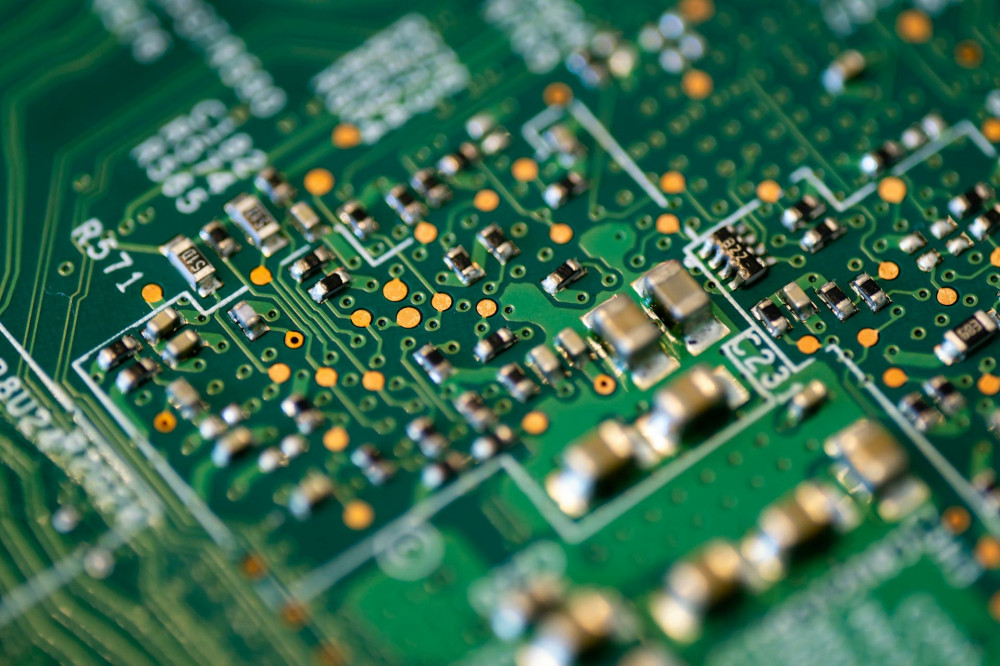
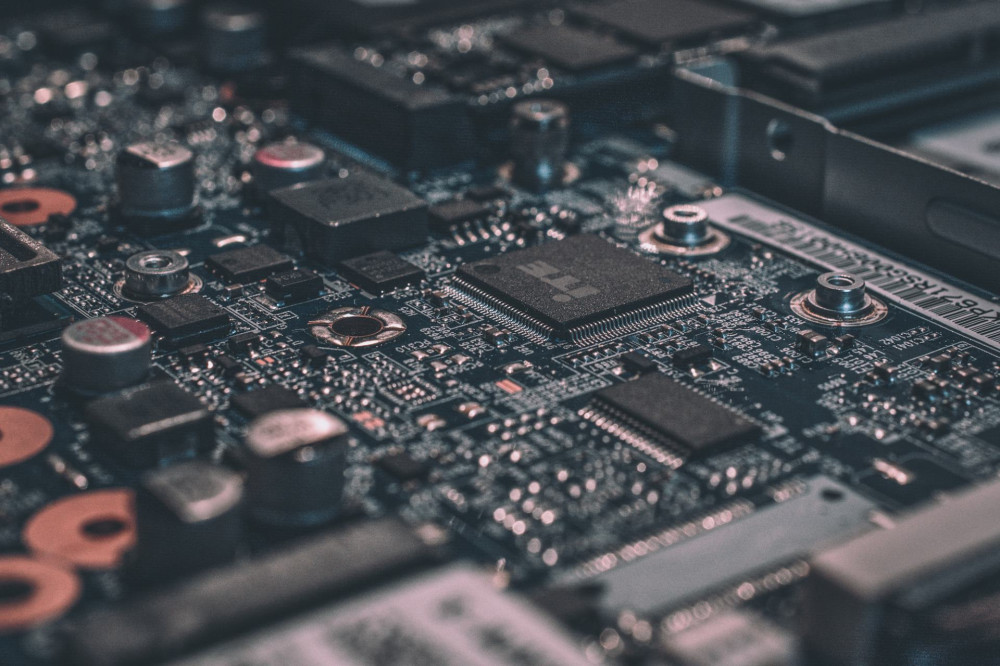
All the computer’s components connect through the motherboard—a large circuit board that acts as the system’s nervous system. It houses the sockets, slots, and circuits that allow the CPU, RAM, storage, graphics card, and other parts to communicate.
The motherboard also determines what kind of hardware your system can support. Choosing the right one is essential, especially if you plan to upgrade your computer later.
The Graphics Card: The Visual Powerhouse
If the CPU is the brain, the GPU (Graphics Processing Unit) is the eyes. It handles the rendering of images, videos, and 3D graphics. Many laptops use integrated graphics built into the CPU, but for gaming, design, or video production, a dedicated graphics card is key.
A powerful GPU can process complex visual data and is essential for smooth gameplay, high-resolution video editing, and immersive virtual experiences.
The Power Supply: The Hidden Lifeline
No component works without power. The power supply unit (PSU) converts the alternating current (AC) from your wall outlet into direct current (DC) that the computer’s components can use. It distributes electricity in precise amounts to the CPU, GPU, storage drives, and fans.
A reliable PSU is crucial for both performance and safety. An underpowered or low-quality unit can cause instability, while a high-quality one ensures smooth, quiet, and efficient operation.
Læs også:




Cooling: Keeping the Heat Under Control
As a computer works, it generates heat—especially from the CPU and GPU. To prevent overheating, systems use cooling solutions, typically fans and heat sinks. High-performance machines may even use liquid cooling, which transfers heat away more efficiently.
Good cooling not only keeps your computer running at top speed but also extends the lifespan of its components and reduces noise.
The Case: More Than Just a Shell
All these parts are housed in the case, which protects the components and ensures proper airflow. The case also provides ports for USB, audio, and network connections, allowing you to plug in your keyboard, mouse, monitor, and other peripherals.
Cases come in all shapes and sizes—from compact office models to large gaming towers with glass panels and customizable RGB lighting. But beyond looks, the key is functionality and ventilation.
Working in Harmony
A computer only functions when all its parts work together. The CPU performs calculations, RAM provides quick access to data, storage keeps your files safe, and the motherboard connects everything. The GPU creates the visuals, while the power supply and cooling systems keep the machine running smoothly.
It’s this coordination that allows us to do everything from writing emails to running complex simulations or playing high-definition games.
From Machine to Experience
At its core, a computer is a collection of circuits and chips—but it becomes truly meaningful when we use it. That’s where technology meets creativity: when we write, design, communicate, and explore the world through our screens.
Understanding how a computer is built not only deepens our appreciation for technology but also highlights the precision and innovation behind every click, tap, and keystroke.
Læs også: