Take Control of Your Subscriptions: Digital Tools That Help You Stay on Top


Take Control of Your Subscriptions: Digital Tools That Help You Stay on Top
Subscriptions have become part of everyday life. We stream movies, listen to music, get meal kits delivered, and pay for software, fitness, and news — often without realizing how many recurring charges are leaving our accounts each month. It can add up quickly if you lose track. Fortunately, there are now plenty of digital tools designed to help you manage your subscriptions and make sure you’re only paying for what you actually use.
Why We Lose Track
Signing up for a subscription is easy — usually just a few clicks. Canceling, on the other hand, can be a different story. Many services renew automatically, and small monthly charges can slip by unnoticed. On top of that, subscriptions are often spread across different platforms: some billed through credit cards, others through app stores or PayPal.
Studies show that many Americans underestimate how much they spend on subscriptions each month. Free trials that automatically convert into paid plans are a big part of the problem. That’s why it pays to take a closer look at your recurring expenses and get organized.
Digital Tools That Do the Work for You
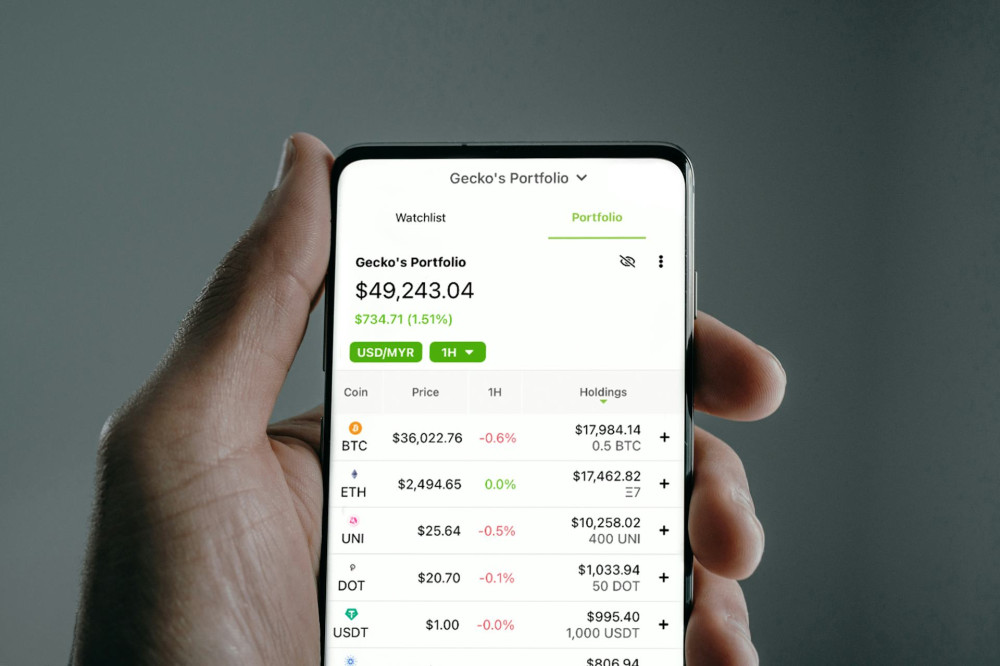
A growing number of apps and services are built specifically to help you track and manage subscriptions. They can connect to your bank or credit card accounts and automatically identify recurring payments. Here are some of the most popular types of tools:
- Subscription management apps – Apps like Rocket Money (formerly Truebill), Bobby, and TrackMySubs can scan your transactions, list your active subscriptions, and even help you cancel unwanted ones directly from the app.
- Bank and credit card tools – Many U.S. banks and card issuers now offer built-in features that flag recurring charges. For example, Chase and Capital One provide spending insights that highlight subscriptions and let you manage payments more easily.
- Budgeting and finance apps – Tools like Mint, YNAB (You Need a Budget), and Monarch Money categorize your expenses and show how much of your budget goes toward subscriptions each month.
These tools can save you both time and money — especially if you have multiple small subscriptions you rarely use.
How to Get Organized — Step by Step
Even with technology on your side, it still takes a bit of effort to get everything in order. Here’s a simple process to follow:
- Make a list of all your subscriptions. Check your bank statements, app store purchases, and email receipts to find every recurring charge.
- Evaluate what you actually use. Are there services you rarely touch? Consider downgrading to a cheaper plan or sharing a family plan where possible.
- Cancel what you don’t need. Many apps can help you cancel directly, but always confirm that the payments have stopped.
- Set reminders. Mark your calendar for when free trials end or when annual renewals are coming up.
- Review regularly. New services appear all the time, and your habits change. A quick review every few months keeps your finances in check.
Læs også:


Security and Privacy
When using apps that connect to your financial accounts, make sure they use secure, encrypted connections and follow U.S. data protection standards. Look for services that use trusted financial APIs and require your explicit permission before accessing your data. Always read the privacy policy to understand how your information is stored and used.
Make It a Habit
Managing your subscriptions isn’t just about saving money — it’s about taking control of your digital life. When you know exactly what you’re paying for, it’s easier to prioritize what truly adds value.
Set a routine to review your subscriptions a couple of times a year. It might take only half an hour, but it can free up extra cash each month — and give you the peace of mind that comes with being in control of your finances.
Læs også: