Smart Devices Without Network Chaos: How to Avoid and Distribute the Load in Your Home Network

Keep your smart home running smoothly with a balanced and reliable Wi-Fi setup
Broadband
Broadband
3 min
As smart devices multiply in modern homes, network congestion can quickly become a daily frustration. Learn how to manage bandwidth, separate network zones, and optimize your router to ensure every connected gadget performs at its best.
Ember Taylor
Ember
Taylor

Smart Devices Without Network Chaos: How to Avoid and Distribute the Load in Your Home Network

Keep your smart home running smoothly with a balanced and reliable Wi-Fi setup
Broadband
Broadband
3 min
As smart devices multiply in modern homes, network congestion can quickly become a daily frustration. Learn how to manage bandwidth, separate network zones, and optimize your router to ensure every connected gadget performs at its best.
Ember Taylor
Ember
Taylor

American homes are getting smarter every year. From video doorbells and smart thermostats to connected speakers and robot vacuums, our devices are constantly talking to each other—and to the internet. But as the number of connected gadgets grows, so does the strain on your home network. Suddenly, your video call freezes, your streaming service buffers, or your smart lights lag behind your voice commands. The good news? With a few smart adjustments, you can keep everything running smoothly without overwhelming your Wi-Fi.

Understand What’s Using Your Bandwidth

Not all devices demand the same amount of data. A smart plug sends only tiny bits of information, while a 4K TV streaming a movie can consume a large portion of your available bandwidth. Knowing which devices are the biggest data hogs helps you manage your network more effectively.

  • Streaming and gaming use the most bandwidth and need a stable, high-speed connection.
  • Security cameras can be heavy users, especially if they upload video to the cloud around the clock.
  • Smart sensors and bulbs use very little data but can create interference if you have dozens of them.

Start by mapping out your devices and identifying which ones are most demanding. This gives you a clear picture of where your network might be under pressure.

Create Separate Network Zones

One of the best ways to keep your network organized is to divide it into zones. Most modern routers let you create multiple networks—such as one for your smart home devices and another for your personal computers and phones. This separation improves both performance and security.

  • Main network: for computers, tablets, and smartphones.
  • Smart home network: for IoT devices like lights, cameras, and speakers.
  • Guest network: for visitors, so they don’t have access to your private devices.

If one of your smart devices starts acting up, it won’t slow down or compromise the rest of your network.

Use 2.4 GHz and 5 GHz Bands Wisely

Most routers broadcast on two frequencies: 2.4 GHz and 5 GHz. Each has its strengths.

  • 2.4 GHz offers longer range and better wall penetration but is slower and more prone to interference.
  • 5 GHz is faster and more stable but has a shorter range.

Smart plugs, bulbs, and sensors usually work best on 2.4 GHz, while streaming devices, gaming consoles, and laptops should use 5 GHz. Distributing your devices across both bands helps prevent congestion and keeps everything running efficiently.

Invest in a Quality Router and Proper Placement

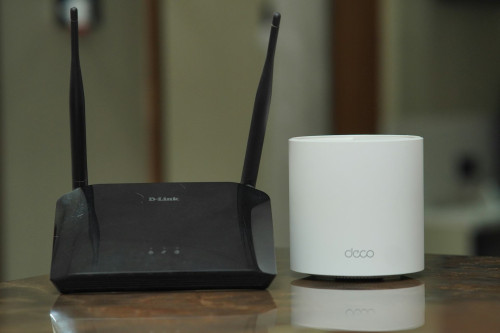
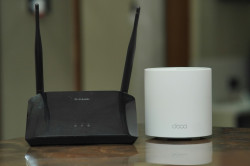
Your router is the heart of your home network. An outdated model can quickly become a bottleneck when dozens of devices are connected. Consider upgrading to a router that supports Wi-Fi 6 or Wi-Fi 6E, which are designed to handle multiple simultaneous connections with better efficiency.

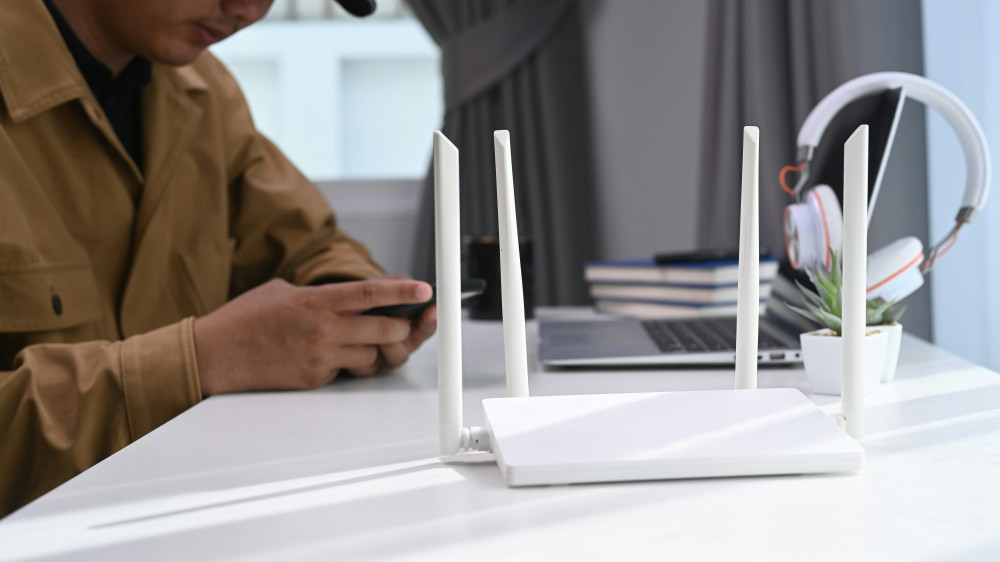
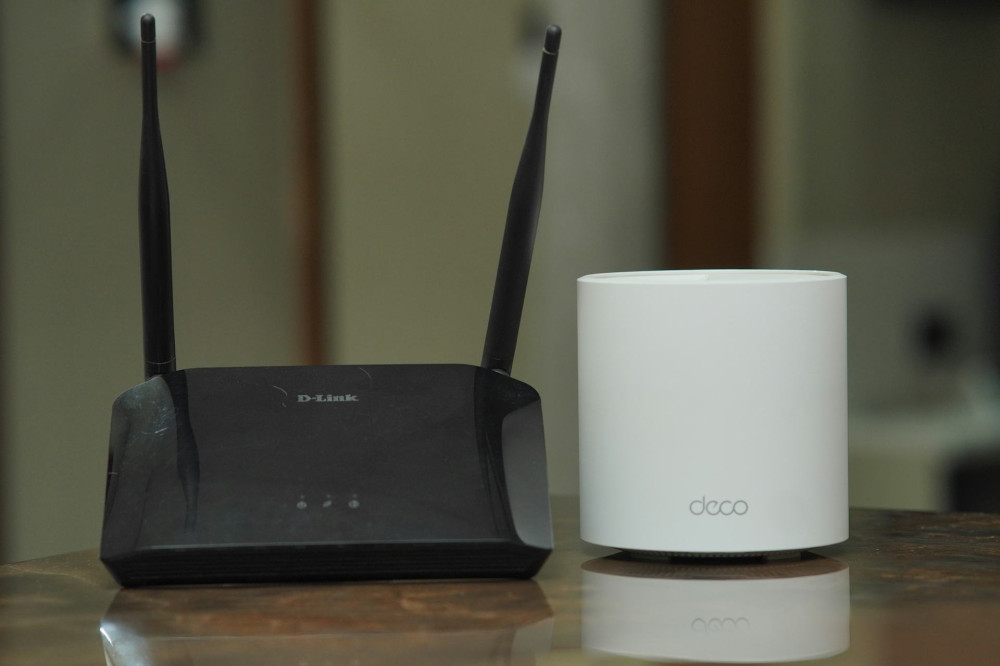
Placement matters, too. Keep your router in a central, open location—away from walls, metal objects, and appliances that can interfere with the signal. Avoid hiding it in a cabinet. For larger homes, a mesh Wi-Fi system can ensure strong, consistent coverage in every room.

Prioritize Traffic with QoS

Many routers include a feature called Quality of Service (QoS), which lets you prioritize certain types of traffic. You can give video calls, streaming, or online gaming higher priority, while smart bulbs and sensors get lower priority. This ensures that even when your network is busy, the most important tasks stay smooth and uninterrupted.

You can usually enable and configure QoS in your router’s settings. It takes a few minutes to set up, but the improvement in stability is often significant.

Keep Everything Updated and Secure

Smart devices aren’t just about convenience—they also need to be secure. Make sure your router and all connected devices have the latest firmware updates. Use strong, unique passwords for each device, and remove any old or unused gadgets from your network.

A well-maintained network isn’t just faster—it’s also safer from potential cyber threats.

When Everything Works Together

A reliable home network isn’t only about speed; it’s about balance. By distributing the load, upgrading your equipment, and organizing your devices, you can create a network that supports both your current needs and the smart technologies of the future. With a little planning, you can enjoy the benefits of a connected home—without the chaos.

6 mistakes to avoid in your IT career: advice for success
Gain insight into which traps many IT professionals fall into and how you can avoid them. This e-book offers tips for career development, networking and skill building so you can advance your career in the IT industry.
Download e-book
Keep Your Internet in Top Shape: How to Properly Update Your Equipment
Keep your connection fast and reliable with a few simple equipment updates
Broadband
Broadband
Internet
Wi-Fi
Technology
Home Network
Connectivity
7 min
Slow internet isn’t always your provider’s fault—sometimes your own devices need a refresh. Learn how to update your router, modem, and cables to boost speed, stability, and security for all your online activities.
Serenity Diaz
Serenity
Diaz
Get More Stable Gaming with a Cable: Why Wired Is Better Than Wi-Fi
Level up your gaming performance with a faster, more reliable wired connection
Broadband
Broadband
Gaming
Internet Connection
Wired Network
Online Performance
Tech Tips
3 min
Tired of lag ruining your online matches? Discover why switching from Wi-Fi to a wired connection can make all the difference for smoother, more stable gameplay. Learn how a simple cable can boost your speed, reduce latency, and give you the edge in every game.
Sophia Moore
Sophia
Moore
Avoid Crowded Wi‑Fi Channels – Choose the Right Frequency
Boost your Wi‑Fi performance by selecting the optimal channel and frequency band
Broadband
Broadband
Wi‑Fi
Internet
Home Network
Technology
Connectivity
7 min
Struggling with slow or unstable Wi‑Fi? Learn how crowded channels can affect your connection and discover simple ways to choose the right frequency for faster, more reliable internet at home.
Ryan Phillips
Ryan
Phillips
Smart Devices Without Network Chaos: How to Avoid and Distribute the Load in Your Home Network
Keep your smart home running smoothly with a balanced and reliable Wi-Fi setup
Broadband
Broadband
Smart Home
Wi-Fi
Home Network
Technology
Internet Connectivity
3 min
As smart devices multiply in modern homes, network congestion can quickly become a daily frustration. Learn how to manage bandwidth, separate network zones, and optimize your router to ensure every connected gadget performs at its best.
Ember Taylor
Ember
Taylor
Why Is Your Wi‑Fi Slowing Down? Here Are the Main Reasons
Discover what’s really behind your slow Wi‑Fi and how to speed it up
Broadband
Broadband
Wi‑Fi
Internet Speed
Home Network
Technology
Troubleshooting
3 min
Is your internet connection crawling when you need it most? From overloaded networks to outdated routers and poor placement, several factors can drag down your Wi‑Fi performance. Learn the main reasons for slow speeds—and how to get your connection back on track.
Camila Hall
Camila
Hall
Segmentation Made Simple: Discover Differences and Patterns in Your Data
Turn complex data into clear insights with simple segmentation techniques
Tech
Tech
Data Analysis
Segmentation
Business Insights
Data Visualization
Marketing Analytics
3 min
Learn how to divide your data into meaningful groups to uncover patterns, differences, and trends. This guide shows you how to get started with segmentation using practical steps and accessible tools—no advanced technical skills required.
Serenity Diaz
Serenity
Diaz
Relax in VR: Virtual Reality as Mental Unwinding
Discover how virtual reality is transforming relaxation and mental wellness
Tech
Tech
Virtual Reality
Mental Health
Mindfulness
Technology
Wellness
5 min
Step into a new dimension of calm. Explore how virtual reality is being used beyond gaming to promote mindfulness, reduce stress, and support emotional balance. Learn how VR experiences can help you unwind and recharge in a digital world.
Sophia Moore
Sophia
Moore
Future technology should feel natural – here’s how to make it happen in practice
How human-centered design can make advanced technology feel effortless and intuitive
Tech
Tech
Future Technology
Human-Centered Design
Artificial Intelligence
Digital Well-Being
Innovation
6 min
As technology becomes more integrated into our lives, the challenge is to make it feel natural rather than overwhelming. This article explores how designers, developers, and innovators can create future technologies that adapt to people—blending seamlessly into daily routines while supporting well-being and ethical use.
Ryan Phillips
Ryan
Phillips
Health Data in Your Hands: How IoT Gives You Insight into Your Body
Discover how connected devices turn everyday data into powerful insights about your health
Tech
Tech
Internet of Things
Health Technology
Wearables
Data Privacy
Personal Health
3 min
From fitness trackers to smart scales, the Internet of Things is transforming how we understand our bodies. Learn how these technologies collect, analyze, and share health data—helping you make informed choices, stay motivated, and take control of your well-being.
Ember Taylor
Ember
Taylor