Why Is Your Wi‑Fi Slowing Down? Here Are the Main Reasons

Why Is Your Wi‑Fi Slowing Down? Here Are the Main Reasons
Few things are more frustrating than a sluggish Wi‑Fi connection. You’re in the middle of a movie, a video call, or an online game—and suddenly everything freezes. But what’s really behind the slowdown? Wi‑Fi speed can drop for many reasons, often a mix of several factors. Here are the most common causes—and what you can do to fix them.
1. Too Many Devices on the Same Network
Most American homes now have far more connected devices than a typical router was designed for: laptops, phones, tablets, smart TVs, gaming consoles, smart speakers, cameras, and even appliances. Each device uses part of your total bandwidth, and the more that are active at once, the less speed each one gets.
Fix: Disconnect devices you’re not using, or upgrade to a router that supports more simultaneous connections (such as Wi‑Fi 6 or Wi‑Fi 6E). You can also use your router’s Quality of Service (QoS) settings to prioritize certain devices, like your work laptop or streaming box.
2. Distance and Physical Barriers
Wi‑Fi signals weaken the farther you are from the router. Walls, floors, metal objects, and even mirrors can block or reflect the signal, reducing speed and stability.
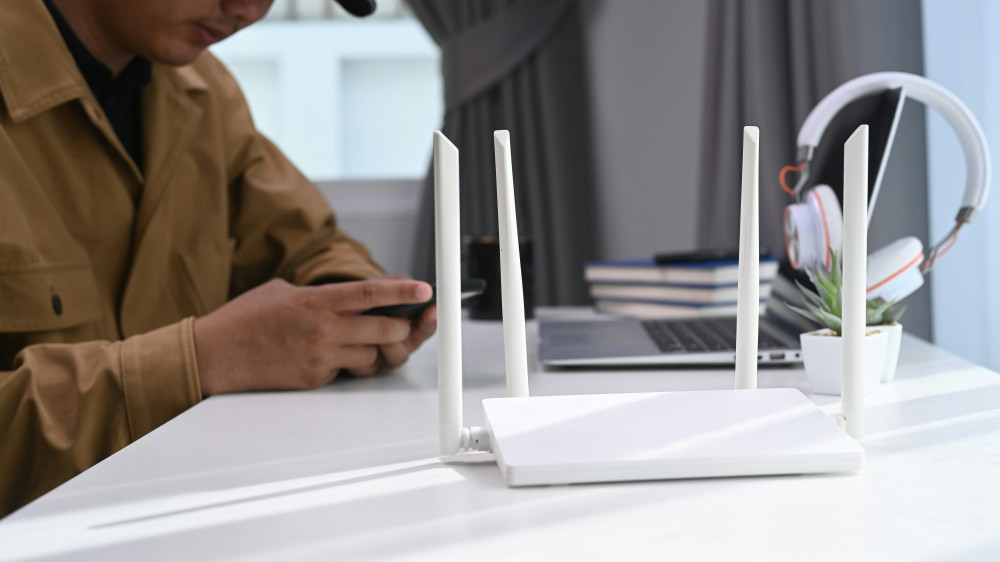
Fix: Place your router in a central, elevated, and open location—avoid hiding it behind furniture or inside a cabinet. If you live in a larger home, consider a mesh Wi‑Fi system or range extenders to ensure full coverage.
3. Outdated Equipment
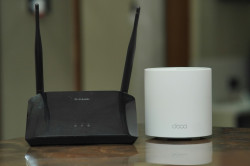
Routers don’t last forever. Older models may only support outdated Wi‑Fi standards (like 802.11n), which can’t take advantage of today’s high‑speed internet plans. The same goes for older laptops and phones that can’t handle newer speeds.
Fix: Check which Wi‑Fi standard your router and devices use. If they’re more than five or six years old, upgrading to newer hardware can dramatically improve both speed and reliability.
4. Network Congestion in Your Area
In densely populated neighborhoods or apartment buildings, many routers may be broadcasting on the same channels. This creates “airwave noise,” especially on the 2.4 GHz band, which has limited channels and is more prone to interference.
Fix: Log into your router’s settings and manually change the channel, or let the router automatically select the least crowded one. If possible, switch to the 5 GHz or 6 GHz band, which offers more channels and less interference.
5. Background Apps and Software Updates
Sometimes the issue isn’t your Wi‑Fi itself but what’s running on your devices. Automatic updates, cloud backups, or streaming in the background can quietly eat up bandwidth and make your connection feel slow.
Fix: Close apps you’re not using and schedule large updates for off‑peak hours. On computers, use the task manager or activity monitor to see which processes are consuming the most network resources.
Læs også:

6. Your Internet Provider’s Capacity
Even the best router can’t deliver more than what your internet service provider (ISP) supplies. During peak hours—typically evenings when many people are online—your ISP’s network may become congested, leading to slower speeds.
Fix: Run speed tests at different times of day. If you consistently get lower speeds than what you’re paying for, contact your ISP or consider switching to a provider with better capacity in your area.
7. Security Issues and Unauthorized Users
An unsecured or weakly protected Wi‑Fi network can be accessed by neighbors or strangers, slowing your connection and posing a security risk.
Fix: Protect your network with a strong password and the latest encryption standard (WPA3 if available). Change your password periodically and check your router’s device list for unknown connections.
8. Router Placement and Overheating
Routers perform best when they have good ventilation. If yours is placed near heat sources or inside a closed cabinet, it can overheat, which affects performance.
Fix: Make sure your router is in a cool, open space with plenty of airflow. Sometimes simply moving it to a better spot can noticeably improve your signal.
Keeping Your Wi‑Fi Fast and Reliable
A stable Wi‑Fi connection depends on smart placement, up‑to‑date equipment, and a bit of maintenance. Think of your router as the heart of your digital home—it needs the right conditions to perform well. With a few simple adjustments, you can turn a lagging network into a fast, dependable connection that keeps up with your daily life.
Læs også: